Coming from Selekt 1.3? The beta installs beside it with a fresh library. Your 1.3 library stays as it is.
Rebuilt around the cull.
Every part of Selekt has been rebuilt to stay quick as your library grows. Here’s what you’ll notice first.
Cull from the keyboard.
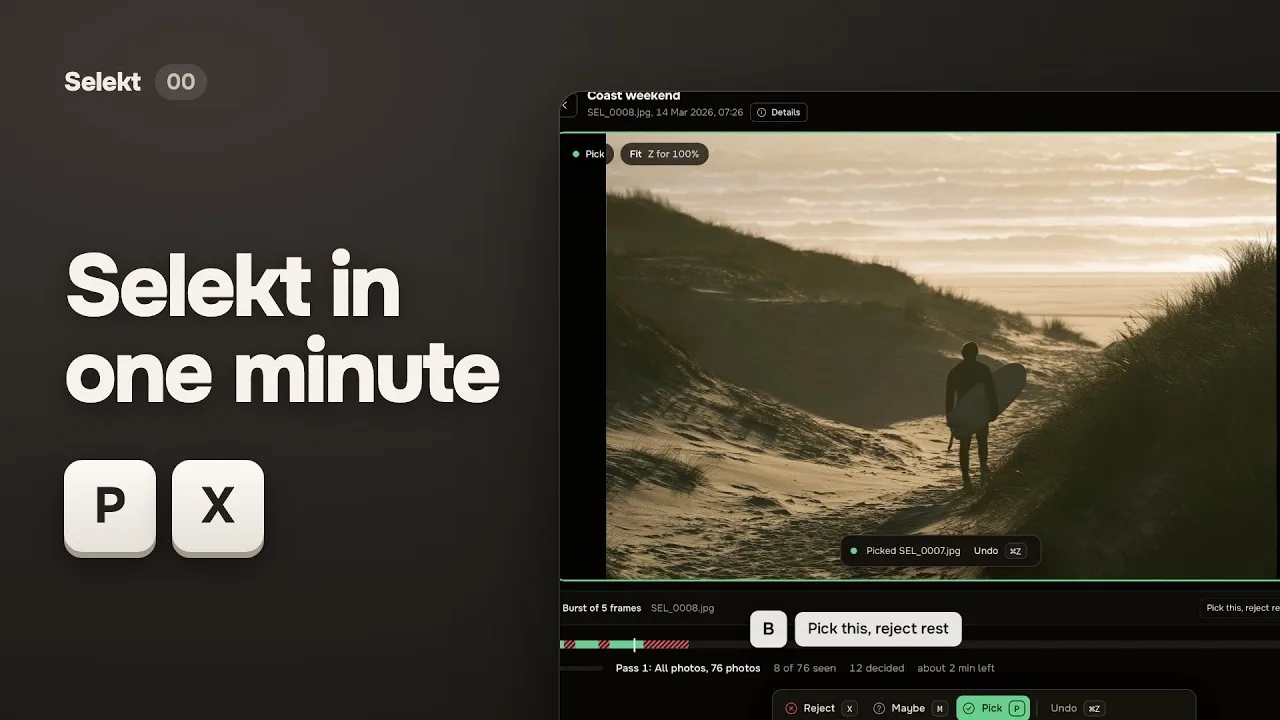
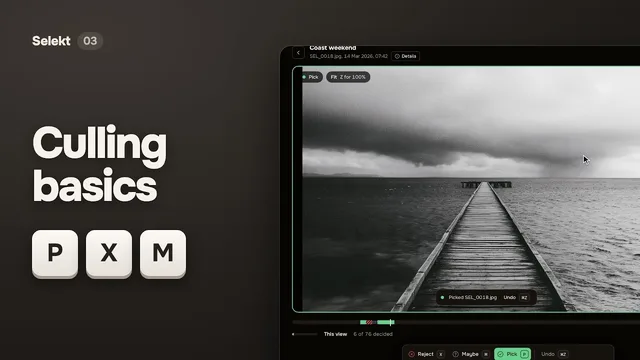
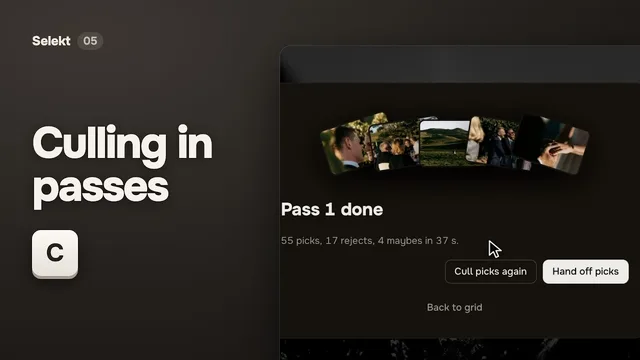
Pick, reject or mark a maybe with P, X and M, and Selekt moves on to the next photo. Press A to switch auto-advance off or on. Undo takes you back to the photo it changed, even when a filter hides it.
PPick
XReject
MMaybe
UUndecided
AAuto-advance
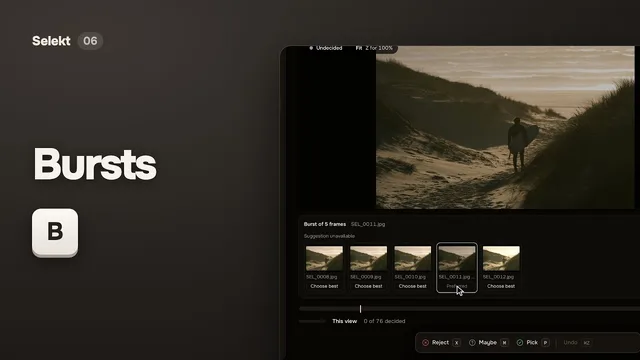
Bursts in one move.
Step through a burst frame by frame, keep the strongest and reject the rest in one step you can undo.
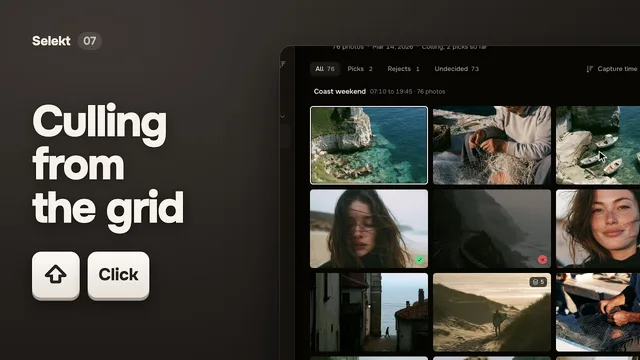
Fast with big libraries.
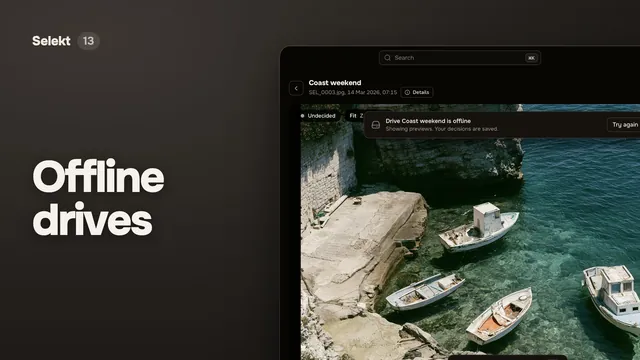
Selekt stays responsive in large shoots. Your photos stay in their folders, and when a drive goes offline you can keep culling from cached previews.
Import you can check.
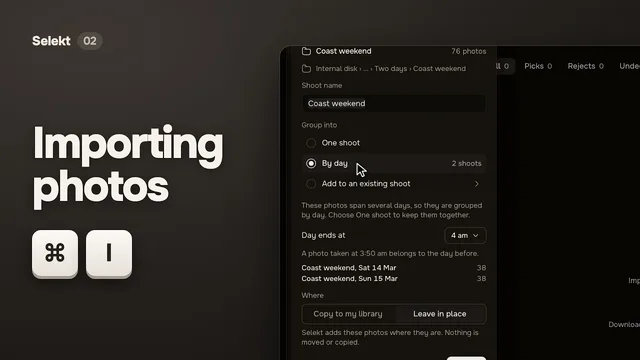
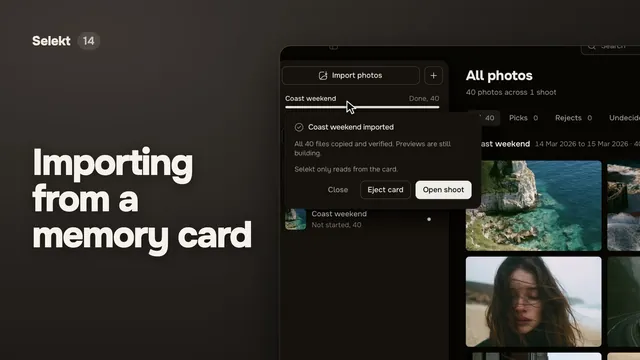
Copy from a card or folder with each file read back after copying. Anything skipped or failed is listed in a report that’s still there after a restart.
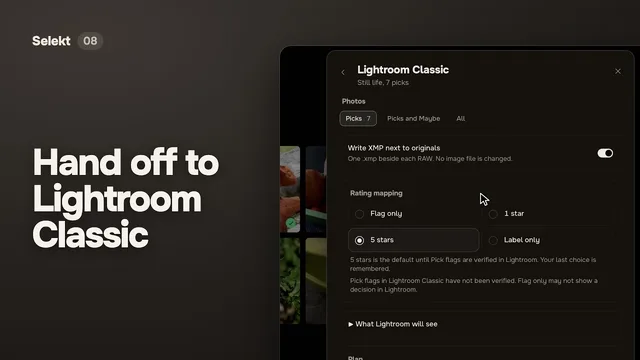
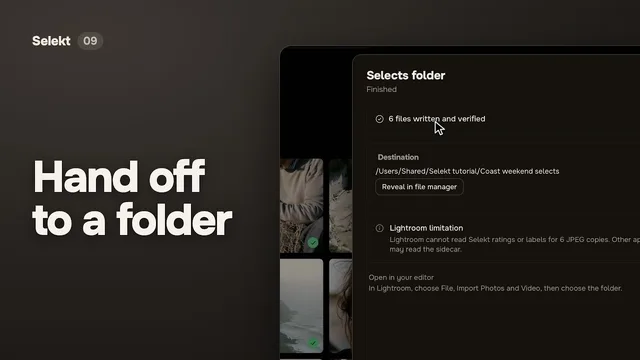
Hand off to Lightroom Classic.
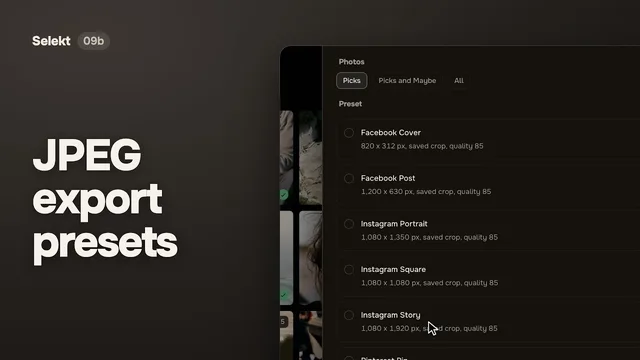
Send your picks to Lightroom Classic with their ratings and colour labels, copy them to a folder, or export sized JPEGs, with clear progress and a report for every file.
Find anything.
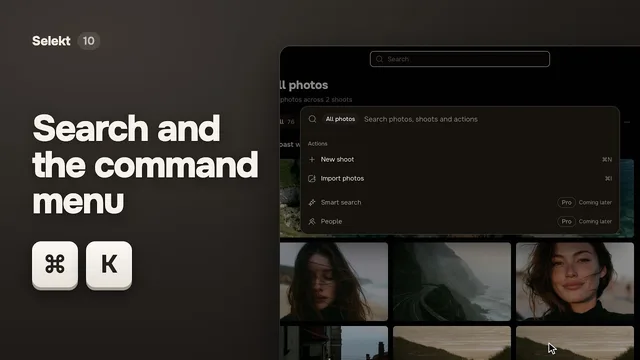
Press Cmd+K (Ctrl+K on Windows) to search filenames, metadata and named sections, then jump straight there.
vineyard⌘K
Vineyard weddingShoot
Vineyard wedding › Golden hourSection
vineyard_0412.jpgPhoto
Also in the beta
A short guided tour and sample photos to practise on
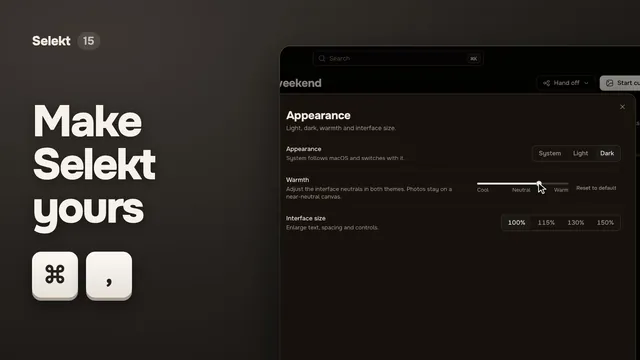
Interface size from 100 to 150 percent, and a warmth dial
Single-key shortcuts you can switch off
Send feedback from inside the app, with an optional screenshot
Watch how it works.
Short videos recorded in the beta, about a minute each. Start with Selekt in one minute, or jump to the part you need.
The installer isn’t code-signed yet, so SmartScreen may say the publisher is unknown. Choose More info, then Run anyway.
Your first shoot in the beta
1
Install
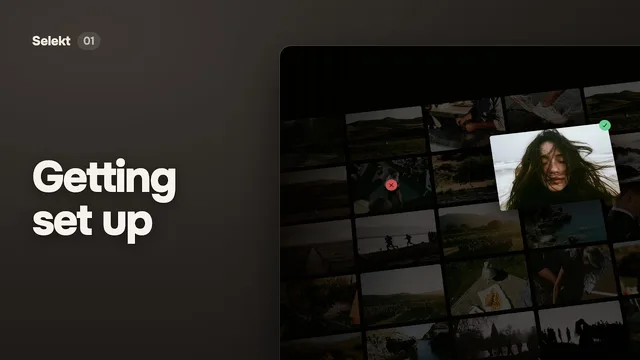
On a Mac, open the disk image and drag Selekt (New) into Applications. On Windows, run the installer.
2
Sign in
Use your Selekt account. Sign-in opens in your browser and brings you back.
3
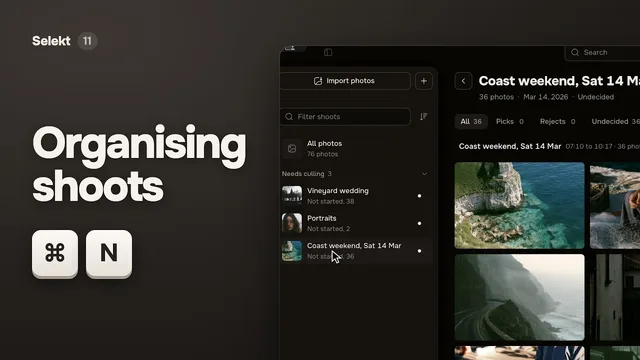
Bring a shoot
Create a library on your computer, then import a card or folder. Or start with the sample photos and the short tour.
4
Cull and hand off
Make your picks from the keyboard, then send them to Lightroom Classic, a folder or sized JPEGs.
Good to know.
Before you install, here’s how the beta fits beside the Selekt you use today.
Will the beta change my Selekt 1.3 library?
No. The beta installs as a separate app, Selekt (New), and starts its own fresh library. It doesn’t open or change your 1.3 library, and Selekt 1.3 keeps working as it is.
Can I bring my 1.3 library into the beta?
Not yet. Opening and upgrading 1.3 libraries comes later. Until then, keep using Selekt 1.3 for that work.
What happens when the full version comes out?
The beta updates itself in place, all the way to the full release. You download it once and never need to reinstall.
Do I need an account?
Yes. Sign in with your Selekt account the first time you open the beta. Sign-in opens in your browser and brings you straight back. If you go offline, your library and local work stay available.
What does the beta send back?
Beta builds send crash and usage reports linked to your account so we can find and fix problems. They never include your photos, filenames or folder paths. You can switch each report off in Settings, Privacy.
Can my library live on a NAS?
Keep the Selekt library on a drive attached to your computer. Your photos can stay on a NAS or network share; Selekt refuses to create or open a library on a network drive.
Tell us what you find.
Choose Send feedback in the app’s account menu or command menu, or email us. Feedback goes straight to the people building Selekt.